
Web App
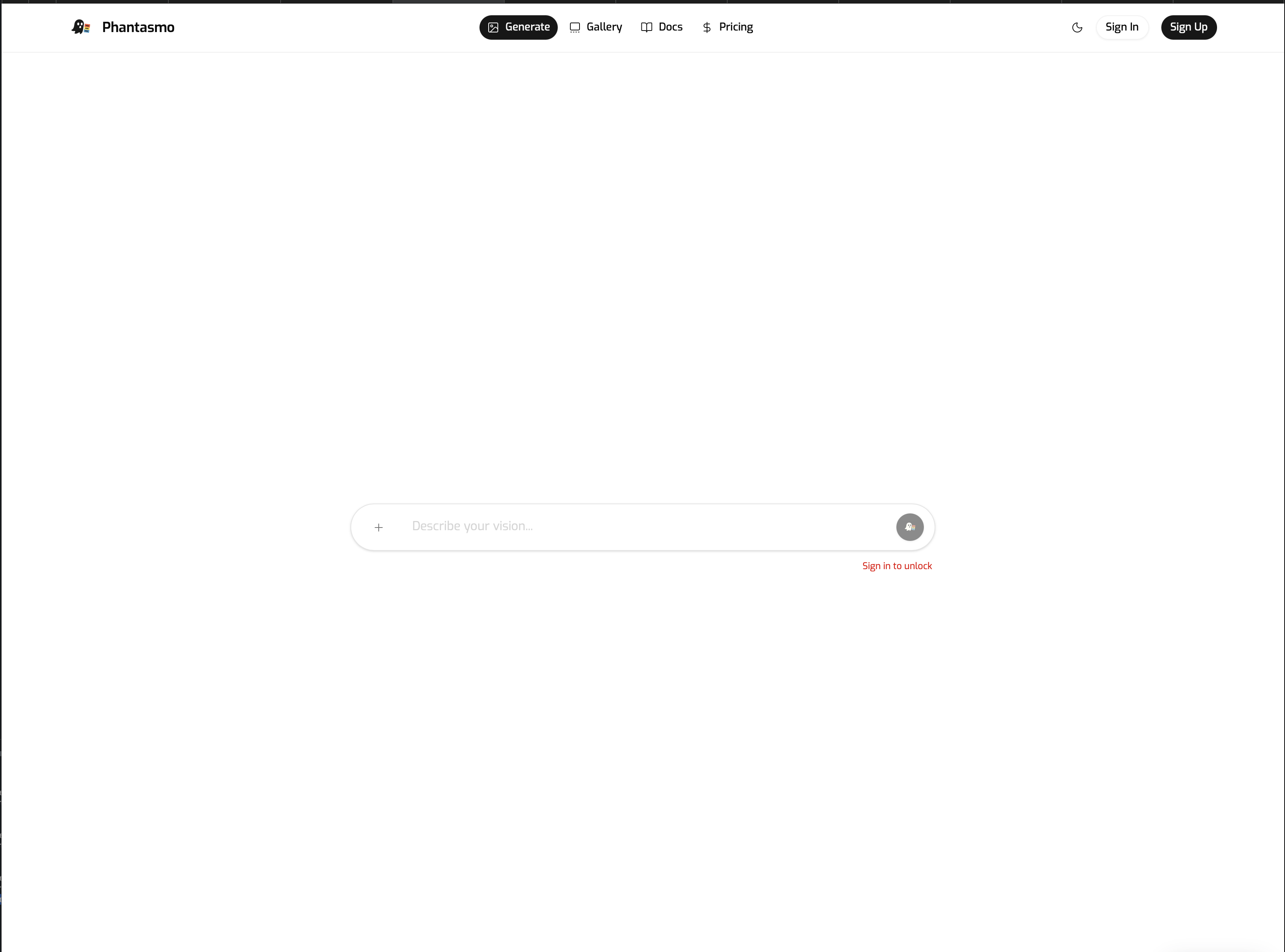
The Phantasmo web app is the fastest way to go from prompt to print. It's the system of record for your account, usage, gallery, and orders.

Key Areas
- Home - Landing page with a showcase gallery and quick entry points.
- Image Generator (
/image-generator) - Prompt input, model selection, and generation controls. Generates images and opens the print dialog when you're ready. - Dashboard (
/dashboard) - Usage, plan status, and subscription management. - Pricing (
/pricing) - Plan comparison and checkout. - Settings (
/settings) - Preferences, workflow defaults, and connectors.
Best For
- Long-form creation sessions
- Detailed print setup and review
- Managing usage, plans, and account settings
Typical Flow
- Sign in or create an account.
- Open the Image Generator and enter your prompt.
- Choose a model, aspect ratio, and generation settings.
- Generate images and review results.
- Open the Print dialog to place an order, or save results to your gallery.
Tips for a Smooth Workflow
- Use Settings to save default generation presets and print preferences.
- Connect Cloud Storage in Settings > Connectors for direct saves.
- Check Dashboard for usage and plan details before large batches.