
Mobile App
The Phantasmo mobile app brings the core workflow - generate, review, and print - into a fast, touch-first experience.
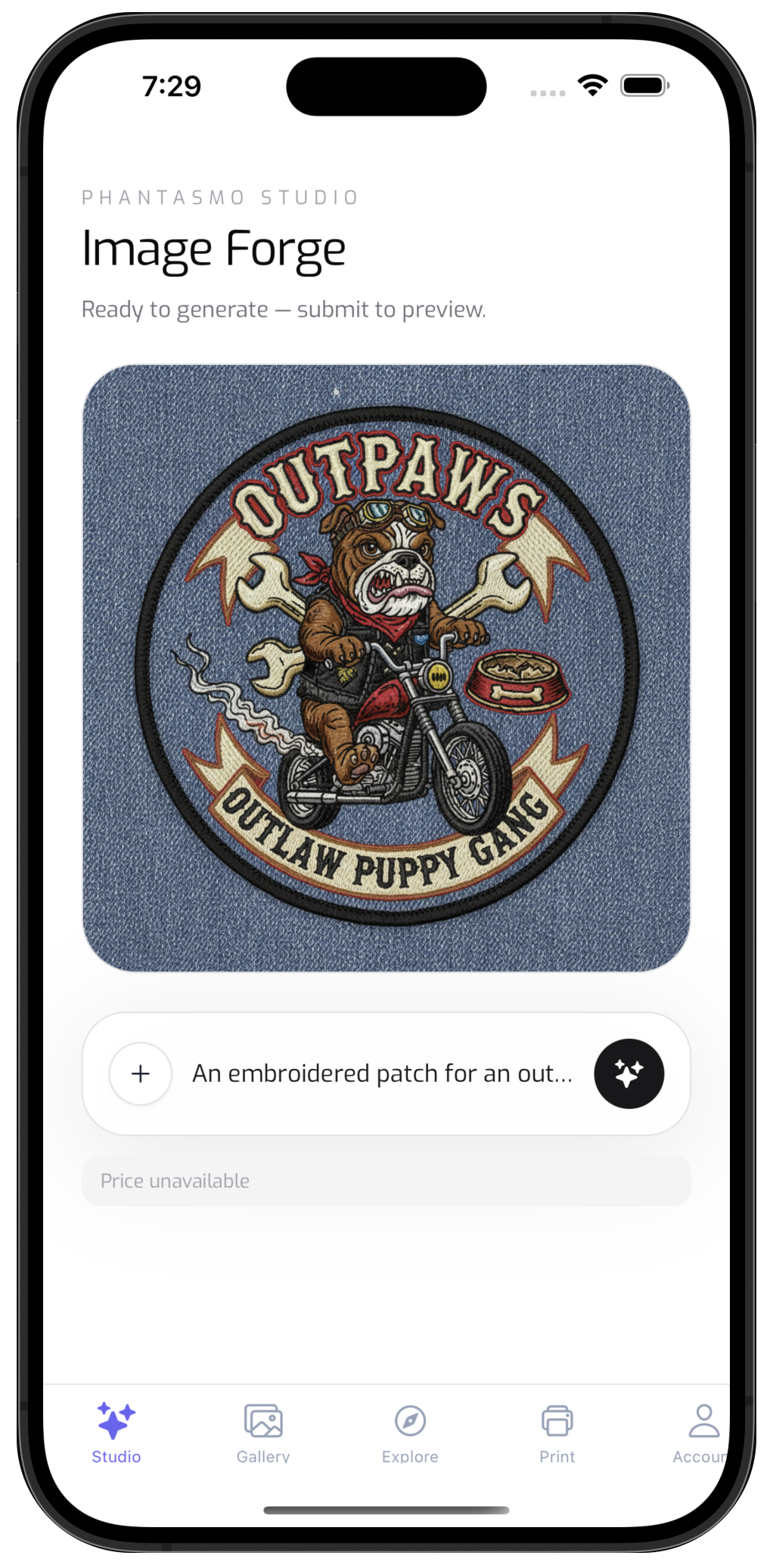
Main Tabs
- Studio - Create images with prompt-based generation (and image-to-image where available).
- Gallery - Browse your synced gallery and cached items.
- Print - Review products and complete checkout in a secure webview.
- Account - Manage your plan and account preferences.
Best For
- Creating on the go
- Reviewing and curating your gallery
- Starting print orders from a mobile workflow
Offline-Friendly Gallery
The mobile app keeps a local cache of your gallery so you can browse when you're offline. When you're back online, pull to refresh the gallery to sync with your account.
Typical Flow
- Open Studio and enter your prompt.
- Generate images and review results.
- Visit Gallery to organize and revisit outputs.
- Use Print when you're ready to order.
Related Docs
